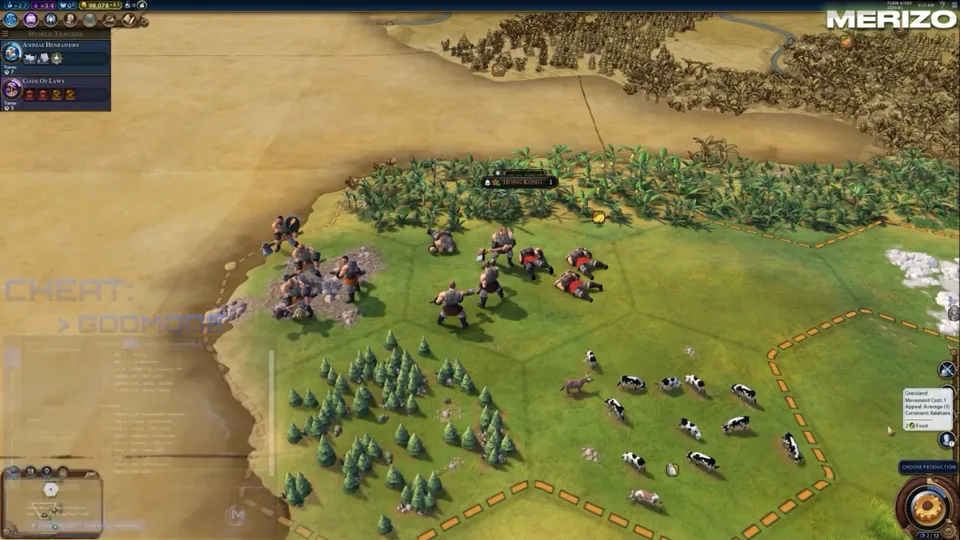
Combat automation
Configurable auto-battle for melee, ranged, siege, and naval units — tuned for Deity, Apocalypse, and long campaign wars.
-
Auto-battle with configurable aggression
Automate turn-based combat with aggression sliders — from conservative attrition to all-out assault on enemy capitals.
-
Unit type priority filter
Prioritise siege units, great generals, ranged armies, or enemy capitals depending on your victory strategy.
-
Flanking bonus targeting
Position units to maximise flanking and support bonuses automatically during automated combat resolution.
-
Weak tile exploitation
Target tiles with defensive penalties — flood plains, marshes, and hills without cover — for maximum damage output.
-
Custom combat hotkey
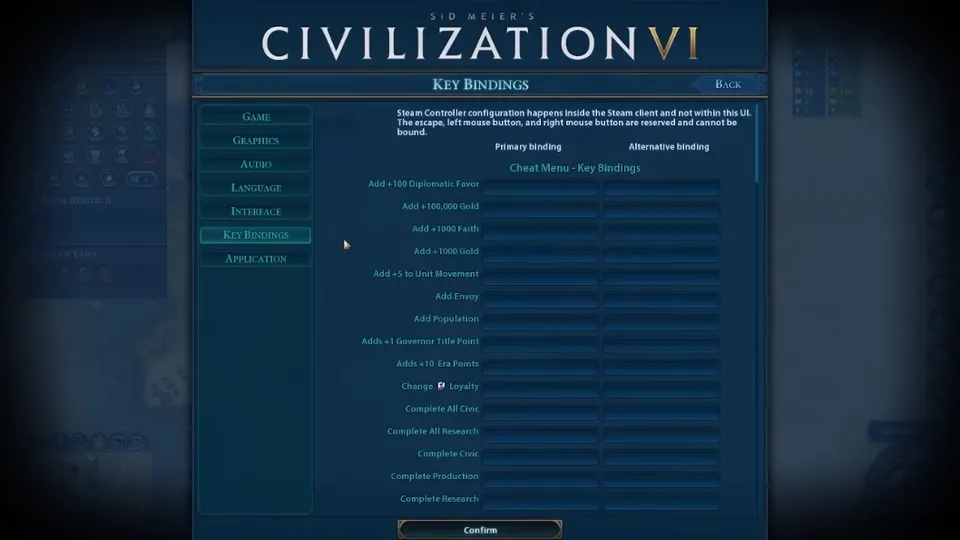
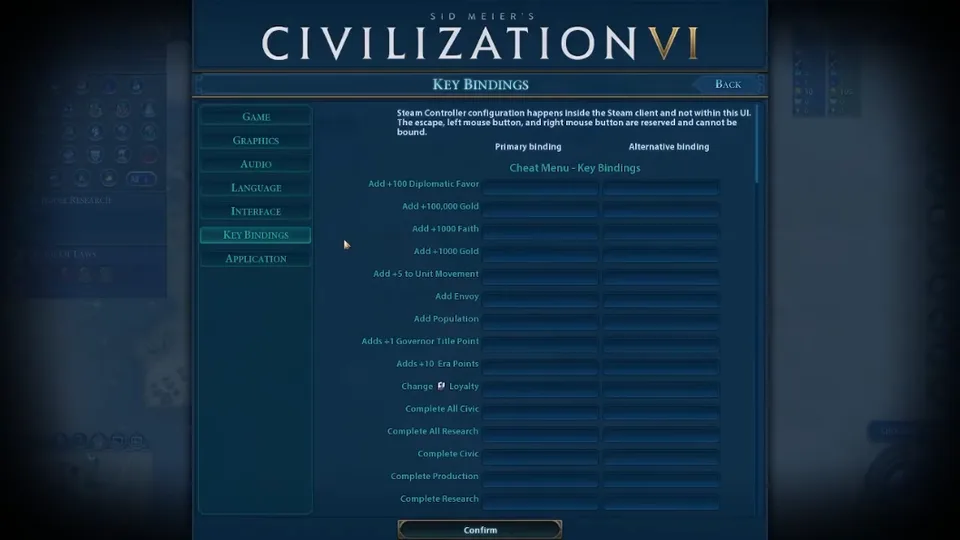
Hold or toggle combat automation with a key you choose — works alongside controller bindings on Windows PC.
-
Hold & toggle automation modes
Switch between manual, semi-auto, and full-auto combat profiles per unit class.
-
Combat speed slider
Control how aggressively the automation resolves fights — useful for preserving units on Deity difficulty.
-
Enemy unit filter
Prioritise barbarians, city-state armies, rival civ units, or religious units based on your current threat level.
-
Siege unit priority
Bias automation toward capturing enemy cities by targeting walls, districts, and garrisoned units first.
-
Per-unit-class profiles
Save separate combat settings for melee, ranged, siege, cavalry, and naval units — swap mid-campaign without retuning.
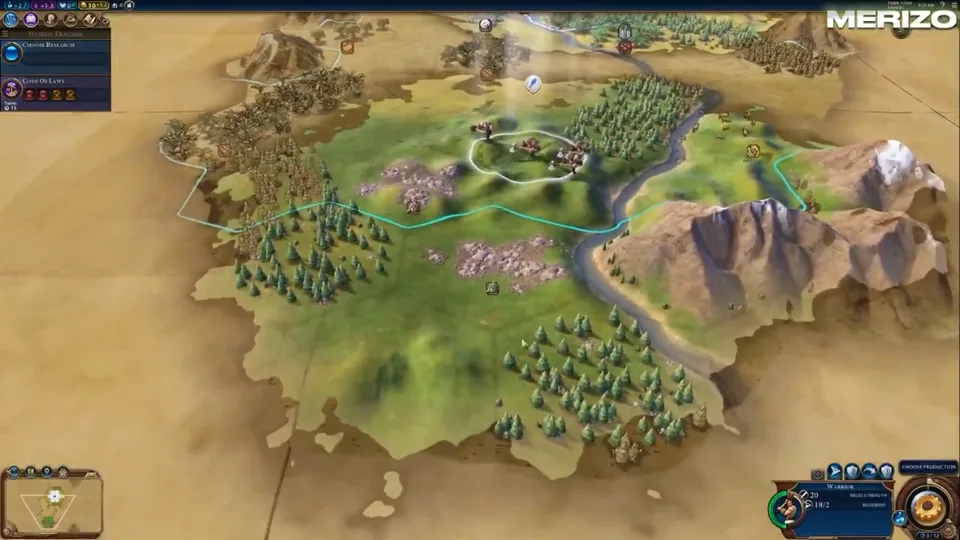
Map reveal & intel
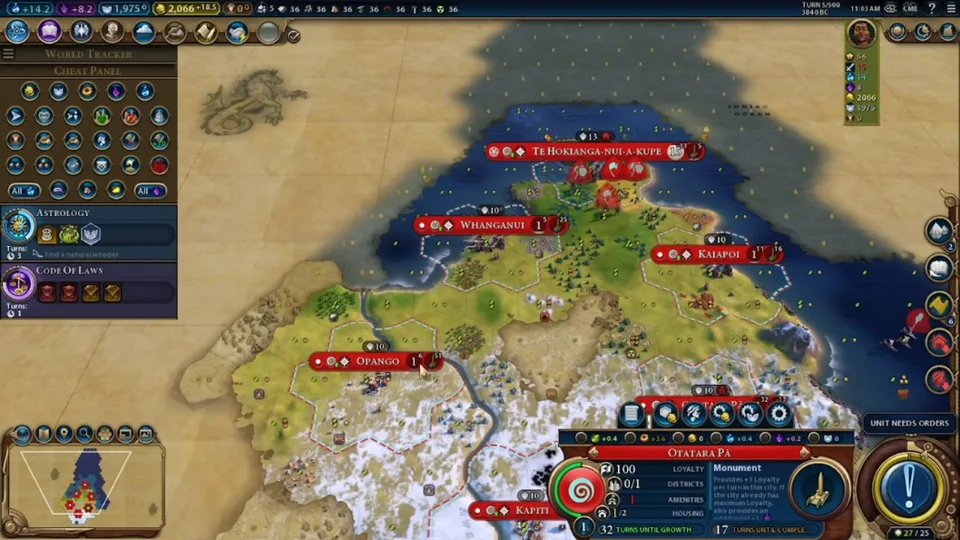
Full map vision and intel overlays that reveal enemy cities, barbarian camps, resources, and wonders through fog of war.
-
Full fog of war removal
See the entire world map from turn one — every tile, city, unit, and resource revealed regardless of scouting progress.
-
Enemy city & district markers
Highlights rival civilizations with district markers, population counts, and wall status across the world map.
-
Barbarian camp markers
Pin every barbarian encampment on the map — including camps in unexplored territory and behind enemy borders.
-
City-state location tracking
Track all city-state locations, suzerain status, and levy armies before you commit to expansion.
-
Strategic resource markers
Mark iron, horses, niter, oil, aluminium, uranium, and coal deposits across the entire map.
-
Luxury & bonus resource markers
See every luxury and bonus resource tile — plan your city placements and trade routes with full information.
-
Natural wonder locations
Reveal all natural wonders on the map before your scouts reach them — plan pantheon and wonder strategies early.
-
Great person spawn alerts
Get notified when great people spawn anywhere on the map — race rivals to recruit scientists, generals, and artists.
-
Rival tech & civic progress
Track what technologies and civics every rival civilization is researching in real time.
-
Wonder construction tracking
See which wonders rivals are building and how many turns remain — snipe wonders or pivot your strategy.
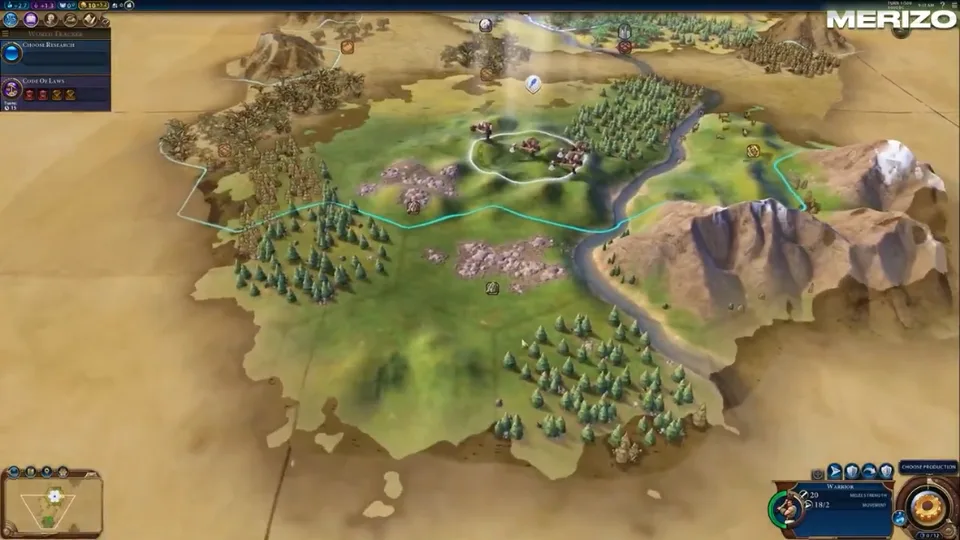
Resources & strategy tools
Resource cheats, movement multipliers, build speed boosts, and quality-of-life tools bundled with every license.
-
2D strategic radar overlay
Minimap-style blips for enemy armies outside your vision — spot invasions before they reach your borders.
-
Barbarian spawn direction cues
Directional hints when new barbarian camps appear near your territory or trade routes.
-
In-game hotkey toggles
Flip map reveal, resource cheats, and combat automation on or off mid-turn without alt-tabbing.
-
Hotkey profiles
Save different bind layouts for Deity campaigns, sandbox games, and hotseat sessions.
-
Unlimited gold toggle
Add gold per turn or set a flat treasury balance — fund armies, buy city-states, and rush wonders.
-
Science & culture boost sliders
Multiply science and culture output per turn — accelerate tech and civic trees on any difficulty.
-
Faith & production multipliers
Boost faith generation for religious victories or crank production to rush districts and wonders.
-
In-game mod menu
Full in-game menu for toggling cheats, adjusting multipliers, and configuring intel overlays.
-
Movement point multiplier
Give your units extra movement points per turn — outmanoeuvre rivals and secure key tiles faster.
-
Instant build & research
Complete buildings, districts, wonders, and research projects in a single turn.
-
AI difficulty override
Adjust rival AI behaviour and bonuses mid-game — useful for testing strategies on Deity and Apocalypse.
-
Deity & Apocalypse presets
One-click cheat profiles tuned for Deity difficulty enemy bonuses and Apocalypse mode disaster pressure.
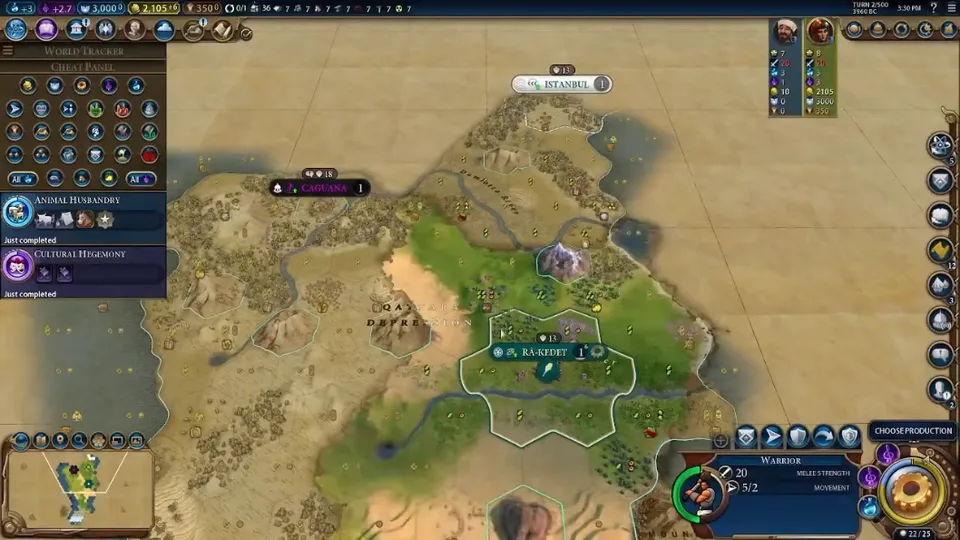
In-game screenshots
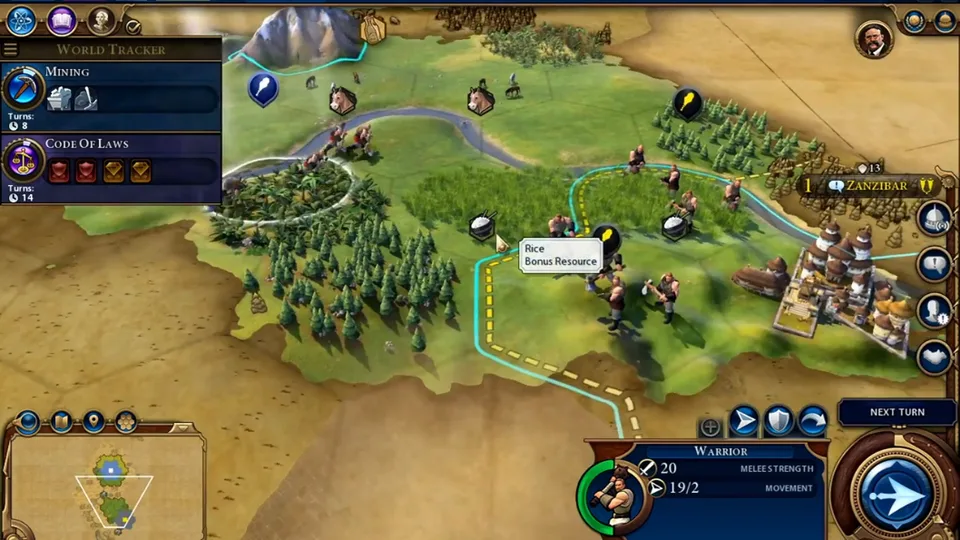
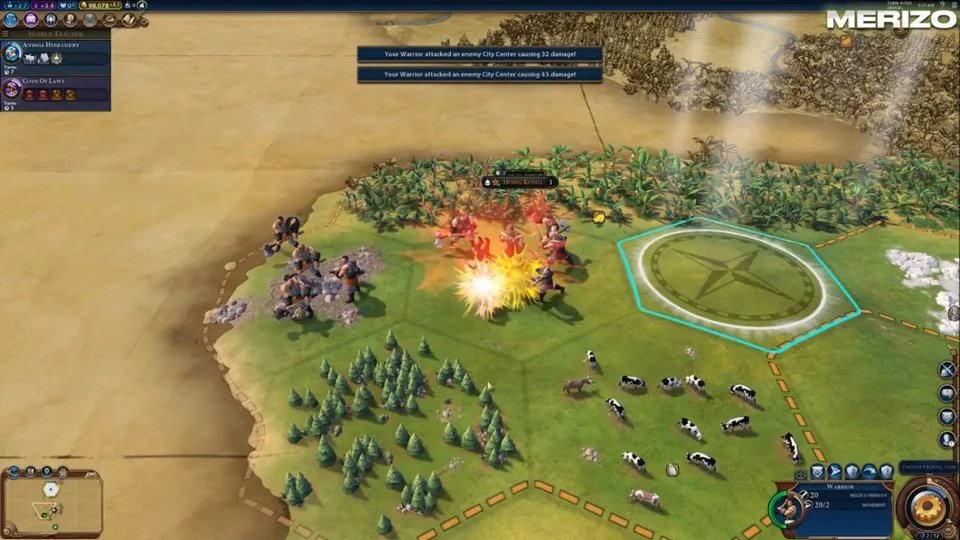
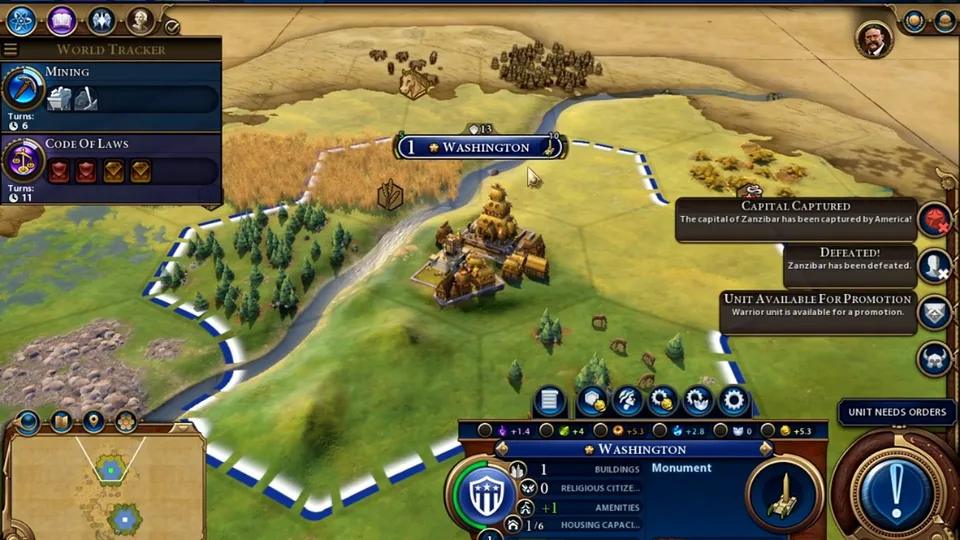
Menu, map reveal, combat automation, and strategic radar from live Civilization VI sessions.
Common questions
Answers about Civ6 Cheats features, cheat toggles, patch-day status, and where to get help.
General
What is included in Civ6 Cheats?
Map reveal, fog removal, strategic radar, combat automation, and resource boosts in one license. See Features and Setup for the full list.
Does Civ6 Cheats work on Windows PC?
Yes — Civ6 Cheats is built for Civilization VI on Windows 10 and 11 with an in-game menu for toggling cheat categories.
How do Firaxis patches affect Civ6 Cheats?
Game updates can break trainers until they are rebuilt. Civ6 Cheats publishes maintenance notes on Updates after each major Firaxis patch.